Student Capstones: Document Automation
Course capstones in which students build working document-assembly tools - decision trees, conditional logic, clause libraries and risk flags - for contracts they will actually draft.
Active
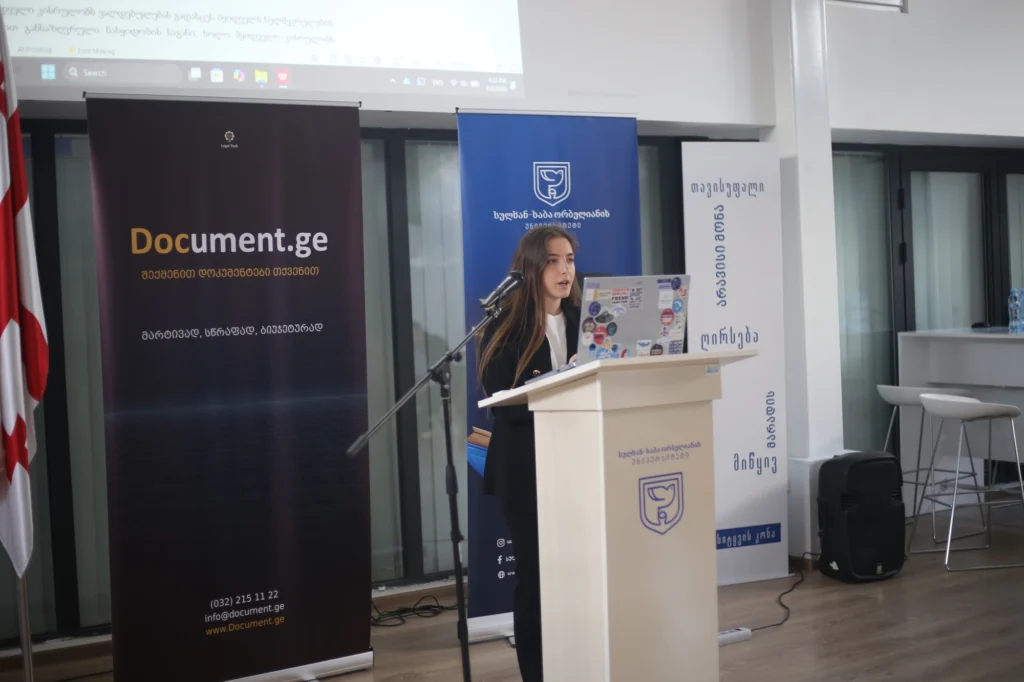
As the final assignment in the AI Policy and LegalTech course, students build a tool that automates repetitive contract drafting and helps reduce the risk of human error. Students choose a type of instrument they are likely to encounter in practice – such as a real estate sale agreement, rental agreement, routine notification letters (and etc.) and automate the drafting process from start to finish.
The Build
Students break the contract into the elements needed to turn it into an automated workflow:
- Decision tree – The questions that need to be asked to the client, structured around the main terms of the transaction, such as the parties, the subject of the sale and other relevant details.
- Answer sets – The permitted answers for each question, using predefined options where appropriate and free entry where it is genuinely needed.
- Conditional logic – Questions appear or change depending on previous answers, with each question assigned a machine-readable name.
- Validation rules – Specific rules are used to check information such as personal identification numbers, vehicle identification numbers and company codes.
- Clause library – Predefined clauses are linked to specific conditions and inserted into the document when required.
- Instructions – Guidance is attached to individual questions so that the process can be completed, where appropriate, by someone without legal training.
Illustrative example of the logic students produce, not live system output.
Why It Works
The finished tool can generate the contract as a Word or PDF document and identify areas that require particular attention. This gives students experience in turning a conventional legal document into a structured process that can be used repeatedly.
The exercise also shows why contract automation requires more than simply putting a contract into a digital form. Students have to identify the possible scenarios, make the conditional structure of the contract explicit, and translate legal reasoning into rules that a system can follow.
In practice, the same approach can allow an in-house lawyer to build an automated workflow once and then make it available to a sales or administrative team, with legal involvement needed mainly for exceptional or higher-risk cases.
The student capstone project was presented during the UCBP reciprocal visit in June 2026, as the example of practical approach to LegalTech education.